
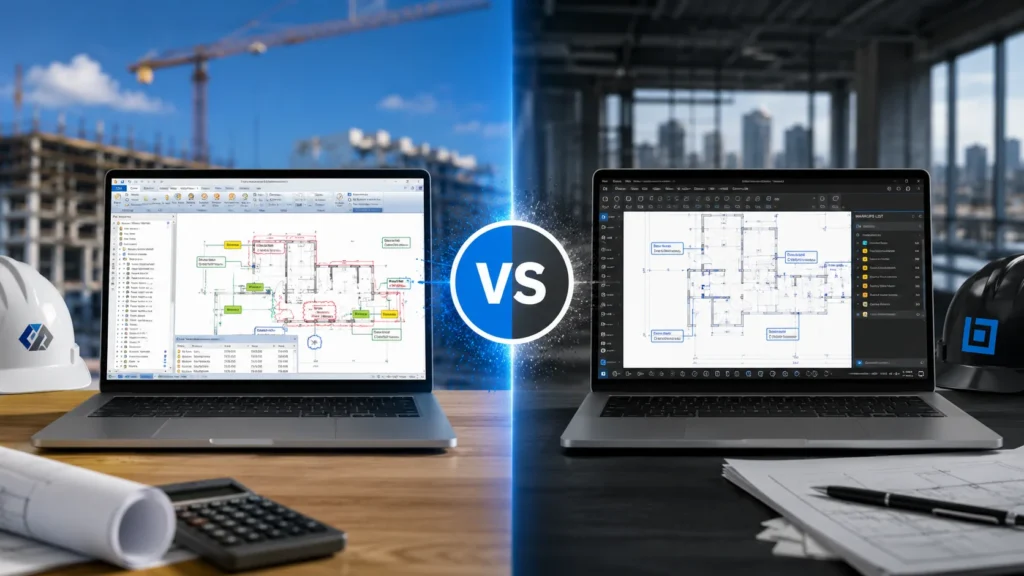
The right construction software can make the difference between a winning bid and a costly construction project mistake. For general contractors, the debate often comes down to PlanSwift vs Bluebeam Revu, two industry-leading platforms that approach construction management from completely different angles. PlanSwift is a committed, speedy takeoff and estimating tool that automates your bidding procedure. Bluebeam is, in contrast, a powerful PDF marking and document management system geared toward real-time team collaboration and field coordination.
Comparing the Core Purpose of PlanSwift and Bluebeam
Before we get entangled in the weeds, let’s get a couple of things straight. Both tools are digital blueprint tools; however, they were developed with very different attitudes.
PlanSwift is similar to a specialized laser level. It was designed from the ground up to be used for construction take off and estimating. PlanSwift’s forte is calculating the volume of a concrete slab and instantly telling you how many cubic yards you need when you want to click on a concrete slab.
Bluebeam (in particular Bluebeam Revu) is more of a Swiss army knife, however. A powerhouse PDF editor for the entire construction lifecycle. Yes, it can help with takeoffs, but it can also help you mark up RFIs, compare different versions of drawing sets and work with your team in the field together.
Quick Look PlanSwift vs Bluebeam vs Exayard
Let’s cut through the crap and compare the three of them side by side. A quick snapshot of the key focus, ideal user, and biggest selling point of each platform to instantly see where they fit.
| Feature | PlanSwift | Bluebeam Revu | Exayard |
| Main Focus | Fast 2D material takeoffs and counting. | PDF markups, sharing files, and team collaboration. | AI-driven, hands-free automated takeoffs. |
| Who It’s For | Estimators and trades who need quick bids. | Project managers, architects, and site supers. | Contractors looking to completely ditch manual counting. |
| Biggest Perk | Crazy fast for pure, old-school estimating. | A complete toolkit for managing an active job site. | Cuts down takeoff hours drastically using AI automation. |
As you can see, the real choice of software is dependent on the actual work you’ll be doing on a day-to-day basis. Let’s explore what these differences mean in reality.
Takeoffs and Estimating
When it comes to counting studs, measuring square footage and preparing numbers for a bid, it’s a fascinating comparison of PlanSwift vs Bluebeam.
PlanSwift is very quick when working on pure takeoff. Custom assemblies can be defined. For instance, when you draw a line indicating the length of the exterior wall, it automatically calculates the quantity of drywall, studs, insulation and paint. This equates to a huge time saver. That’s why many Top Construction Estimating Firms make PlanSwift their fundamental toolkit.
Bluebeam will also create takeoffs, but it’s a bit more tedious. It requires its own measurement tools to trace shapes and then the bottom of the screen to use its “Markups List” (sort of a built-in Excel spreadsheet) to add up numbers. It’s pretty good, but it lacks that PlanSwift “assembly” logic that it has out of the box.
Managing Plans and Collaborating
Here, the scales go firmly in favor of Bluebeam. Being a general contractor is not an estimating job; it’s a job that entails the control of the whole circus. You’re getting questions from your subcontractors, changing design midstream with your architects, and updating your project managers.
Here, Bluebeam is a real star due to Bluebeam Studio. It allows you to share the same PDF drawing with several users and leave notes, clouds and questions on the same drawing. Plus, it’s a drawing comparison tool that is second to none. An old revision is overlaid onto a new revision, and changes are highlighted in bright red and blue.
PlanSwift just can’t compete here. This is an individual program. It is intended to be used by one estimator to sit down and do the calculations and export the data. It is not intended for running a project site LIVE.
The Learning Curve
Face it: you don’t have three weeks to watch some software training videos. It’s time to get to work.
PlanSwift’s UI is rather old school. It is somewhat like software from the mid-2000s, but is only concerned with takeoffs and hence not very difficult to learn the basics. Pick up, click, drag and complete.
Bluebeam appears modern, but it has a lot of features. Can be very stressful at first. Hundreds of buttons, tool chests and menus. It can take a while to subdue the beast and customize it so that only the tools that you use are visible.
Cost and Value
Talking about PlanSwift vs Bluebeam isn’t complete without talking about your wallet. Over the years, both have evolved to become subscription-based.
PlanSwift is a bit more expensive in a year because it’s niche to the industry. Bluebeam has several different levels (Core, Complete) depending on the amount of horsepower you require.
When considering the best cost estimation services for your company, the ROI is the most important factor to take into account. Any tool that saves you 5 hours per week on your bids will pay for itself within a month.
Which Solution Is Right for You?
Choose Bluebeam Revu If:
- This requires relationship-building with several stakeholders
- Your workflow doesn’t stop with takeoffs; it also covers QA/QC and document control.
- You want an all-in-one platform for various project tasks
- You collaborate on large and complex projects with much coordination.
Choose PlanSwift If:
- One of the most important things you need is accurate, fast take-offs.
- You are an independent estimator or as part of a small team.
- A number of bids must be generated in a short period of time.
Conclusion
So, who will be the victor of the PlanSwift vs Bluebeam battle? This is up to you, depending on your headache diary.
If your sole objective is quick and precise material takeoffs, then you should use PlanSwift. PlanSwift is a friend of the person who has a lot of residential estimates or has a lot of trade-specific bids and uses assemblies to make life easier.
If you are working on large-scale commercial projects, require project collaboration, mark up drawings frequently, and would like to have a single solution for working with PDFs through the bidding process and throughout project closeout, you should choose Bluebeam.
Welcome to Fusion Estimating! We do all the hard work! We are your outsourcing team and leave you the fun of purchasing software or late-night clicking on blueprints without having to worry about takeoffs that don’t add up. We’ll do the maths for you, you concentrate on building!